KikiBet KYC: sending documents
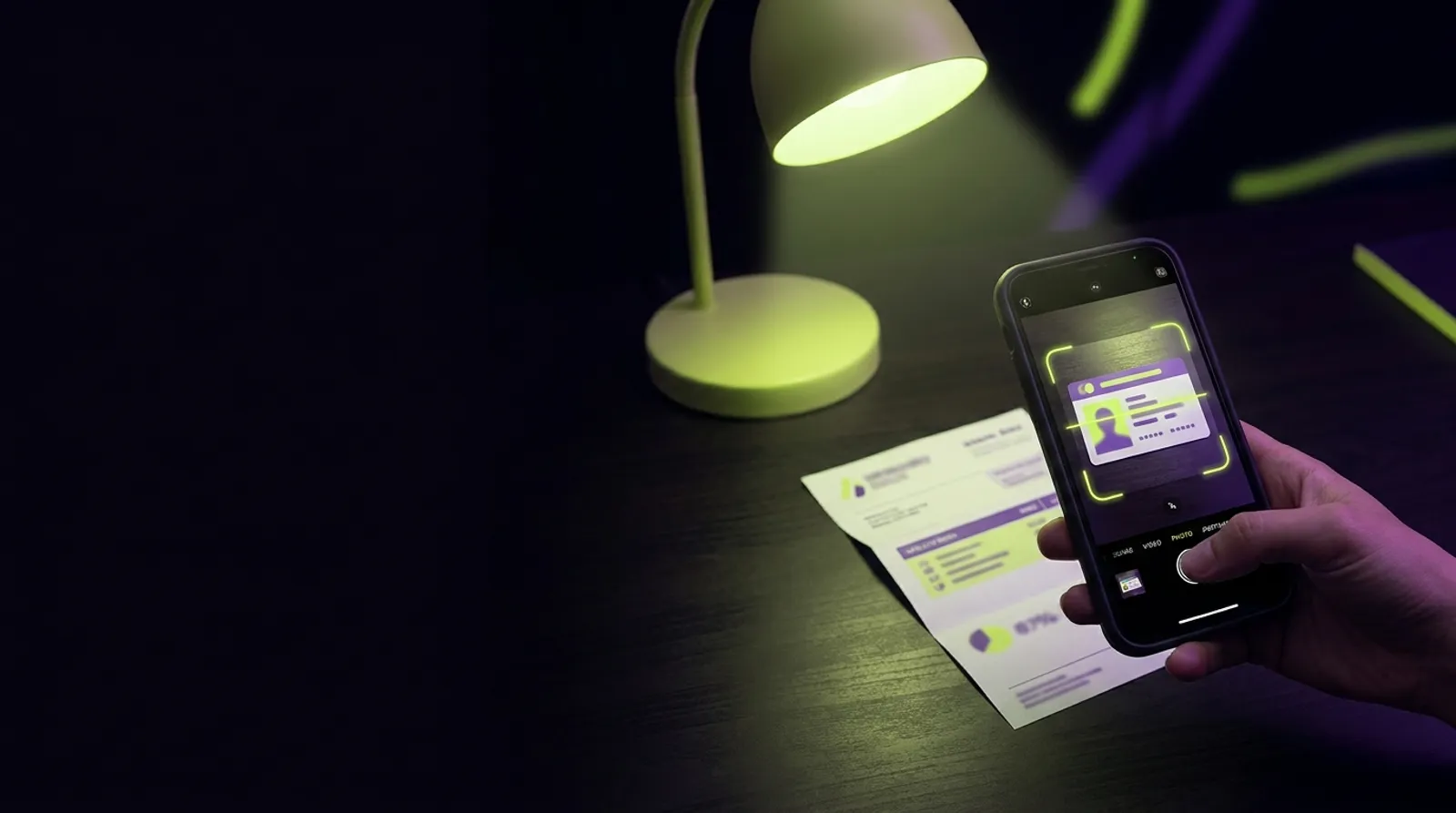
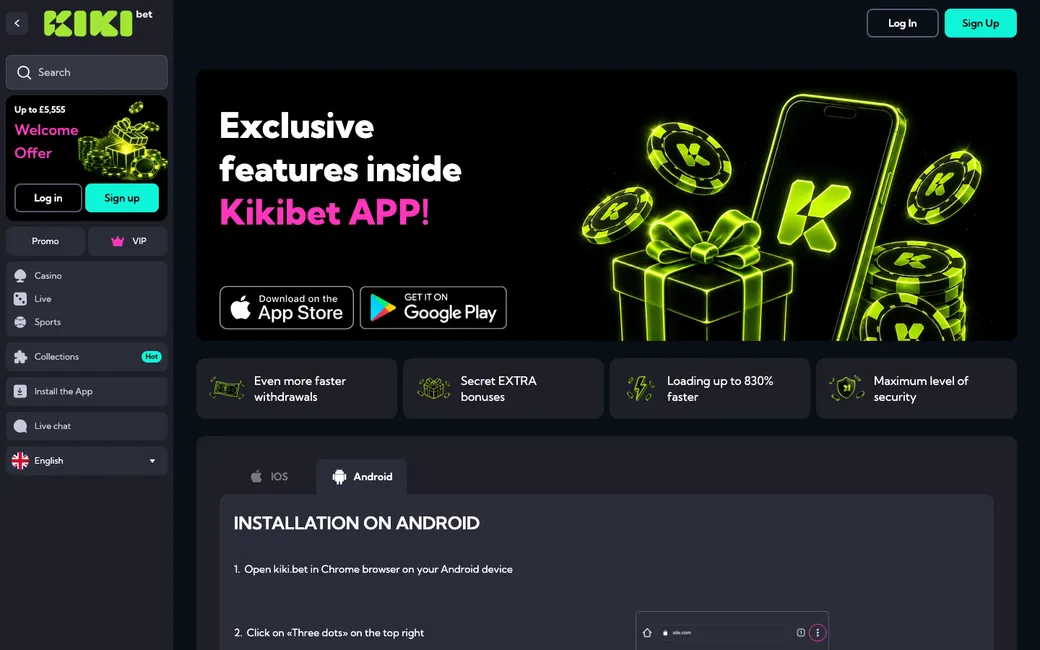
When you are ready to upload your files, you should head to the account section of your profile. There is a dedicated tab for uploads that handles your files securely and ensures they reach the right department for review. You can perform this entire task via your smartphone, which is often easier if you have the KikiBet app installed, as it allows you to take photos directly with your phone camera and upload them without needing to move files between devices. This is the most efficient way to manage your kikibet kyc requirements.
Using your mobile device is usually the fastest method because you can take high-quality, high-resolution pictures that meet the requirements instantly. Once you have uploaded the requested files, the system will update the status of your account, and you will receive a notification once the review is finalised. If there are any issues with the documents you provided, the team will send you an email detailing exactly what is needed for a resubmission. By completing the kikibet verification early, you ensure that you are fully ready to claim any winnings without administrative delays.
Identity
For your identity check, you must provide a copy of your passport or ID card. This document must be currently valid and clearly show your full name, date of birth, and your photograph. Please ensure the document is not expired and that the photo you provide is in colour, not black and white. It is vital that the details on the document match the information you provided during registration. The team cannot accept documents that are edited or obscured in any way, so keep the lens clear and steady when taking the photo.
Address
Proof of address is used to verify that you are a resident in the United Kingdom. We suggest using a utility bill or a bank statement that has been issued within the last three months. It must clearly display your full name and your registered address as it appears on your profile. If you use an online bank statement, ensure it is a high-quality scan or screenshot that includes the logo of the institution and the date of issue. Do not use an envelope or a document that is older than 90 days, as the team will have to reject it.
Selfie
For the final stage, the team requires a selfie to verify that the person opening the account is the same person shown on the identification document. Simply ensure that you are in a well-lit room, looking directly at the camera with a neutral expression. You do not need to hold your ID next to your face unless specifically requested by an agent. A clean, clear, and high-resolution photo is all that is required to finalise the identity confirmation. This simple step is a key component of the overall security of your account and helps protect you from unauthorised access.
What to remember
- Verification takes 24-48 hours, so upload documents early.
- You need a passport or ID card, a proof of address from the last 3 months and a selfie.
- No withdrawals are processed until verification is completed.